White background maker
True #FFFFFF white, because the marketplace insists
Amazon wants RGB 255 across the whole field and will bounce anything else. Compositing gets you there in a way that lighting never quite does.
Previews are free and unmetered. Exports cost one credit each — from £2.66for 3.


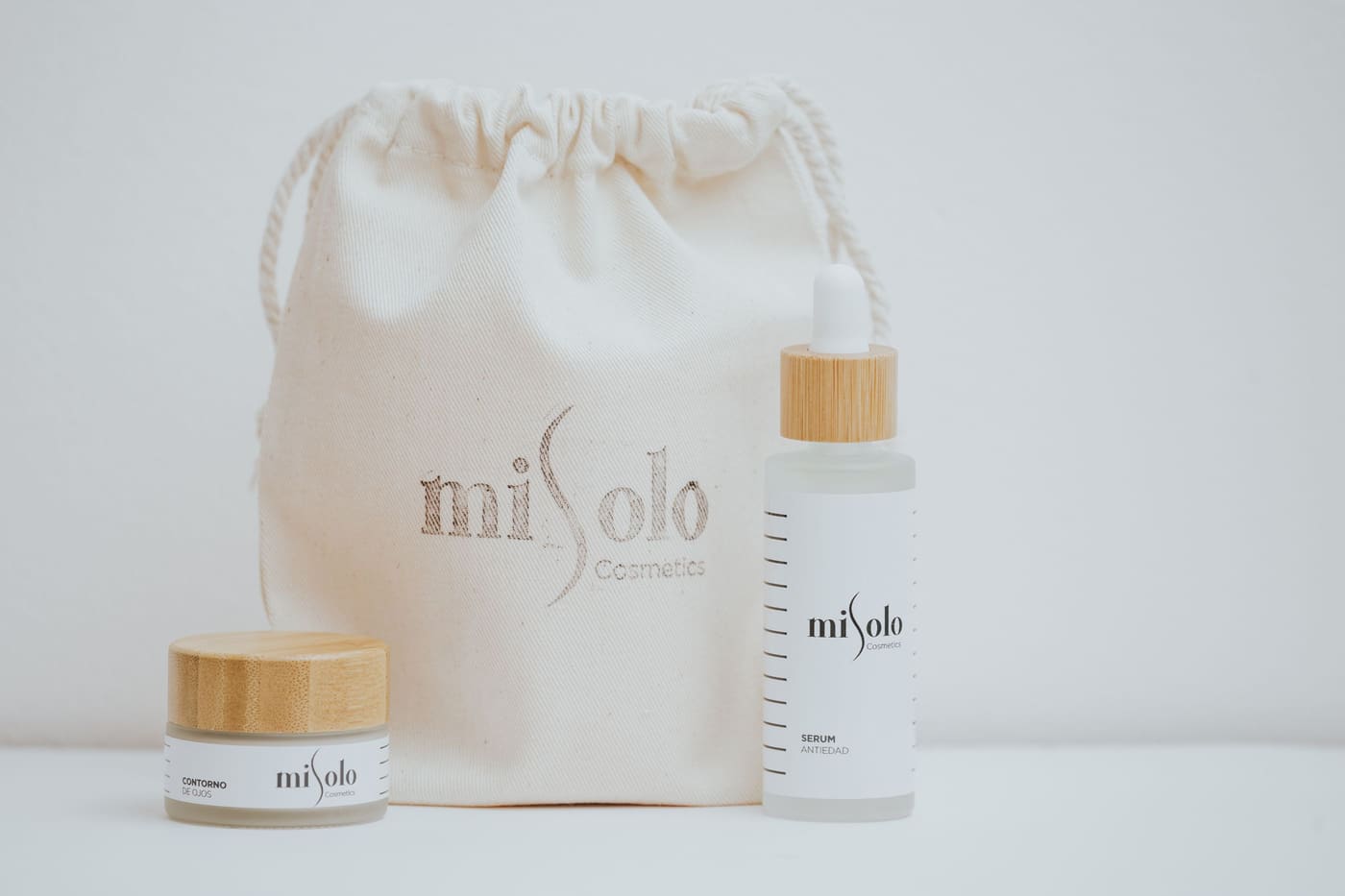
One source photograph, one composite. Photograph by Boko Shots onPexels.
The rules, per platform
Three marketplaces, three definitions of two words
Build to the strictest and you clear all of them. That is Amazon, and it is not close.
| Platform | Background | Product fills | Format |
|---|---|---|---|
| Amazon (main image) | Pure white, RGB 255/255/255 | At least 85% of the frame | JPEG, no alpha channel |
| eBay (gallery image) | White or very light, uncluttered | No hard rule | JPEG or PNG, no borders or added text |
| Google Shopping | White, grey or plain light | 75–90% recommended | No promotional overlays or watermarks |
Platform requirements change. Check the current policy before a large batch — the shape of the rules is stable, but the numbers occasionally move. Full walkthrough inthe marketplace guide.
Batch behaviour
Two hundred listings that look like one shoot
Consistency is what makes a catalogue look professional in a search grid, and consistency is exactly what hand-editing cannot deliver across two hundred images.
- Same white, same margin, same centring on every image in the run.
- Same output dimensions, so the grid never jumps.
- Originals untouched — the tool writes new files, it never overwrites.
- A transparent master kept alongside every white composite.
Questions about this tool
Why does my studio-white background fail Amazon’s check?
Because seamless paper under lights does not photograph as 255. It photographs as 248 or 251, with a falloff toward the corners. On screen that reads as white; to an automated check it is light grey with a gradient. Compositing gives you white by construction rather than by exposure.
Is the white truly #FFFFFF?
Yes — RGB 255, 255, 255 across the whole field, identical in every corner, with no cast from the original lighting and no halo where the subject meets it.
Should I keep the transparent version too?
Always. The white JPEG is a print from a negative; the transparent PNG is the negative. The day marketing asks for the product on a coloured field, the transparent master saves you re-cutting the whole catalogue.
Can I add a margin around the subject?
Yes, and it is applied identically to every image in a batch. Amazon wants the product to fill at least 85% of the frame for a main image, which is a tighter crop than most people default to.
Does a white background need a PNG?
No, and it should not have one. Once the subject is composited onto white there is nothing left to be transparent, so JPEG is the right format — smaller files, and Amazon requires JPEG for the main image anyway.
The other three
Same engine, different last step.
Background remover
The general-purpose tool. Any photo, any subject.
Open →Transparent background maker
Output a PNG with a real alpha channel.
Open →Background changer
Drop the subject onto a new scene.
Open →One credit, one full-resolution export. Previews never cost anything and are never rate-limited, because they run on your machine. Every credit expires 90 days from the day it is granted — pay-as-you-go and subscription alike. No VAT is added at checkout. See the full pricing table.