Cut and archive
Produce a transparent PNG at full resolution and file it somewhere permanent, alongside the untouched original. Never overwrite either.
For product photography
A product photograph has to be a marketplace main image, a lifestyle shot, an email header and an ad creative. That is one cutout and four backgrounds — not four shoots.
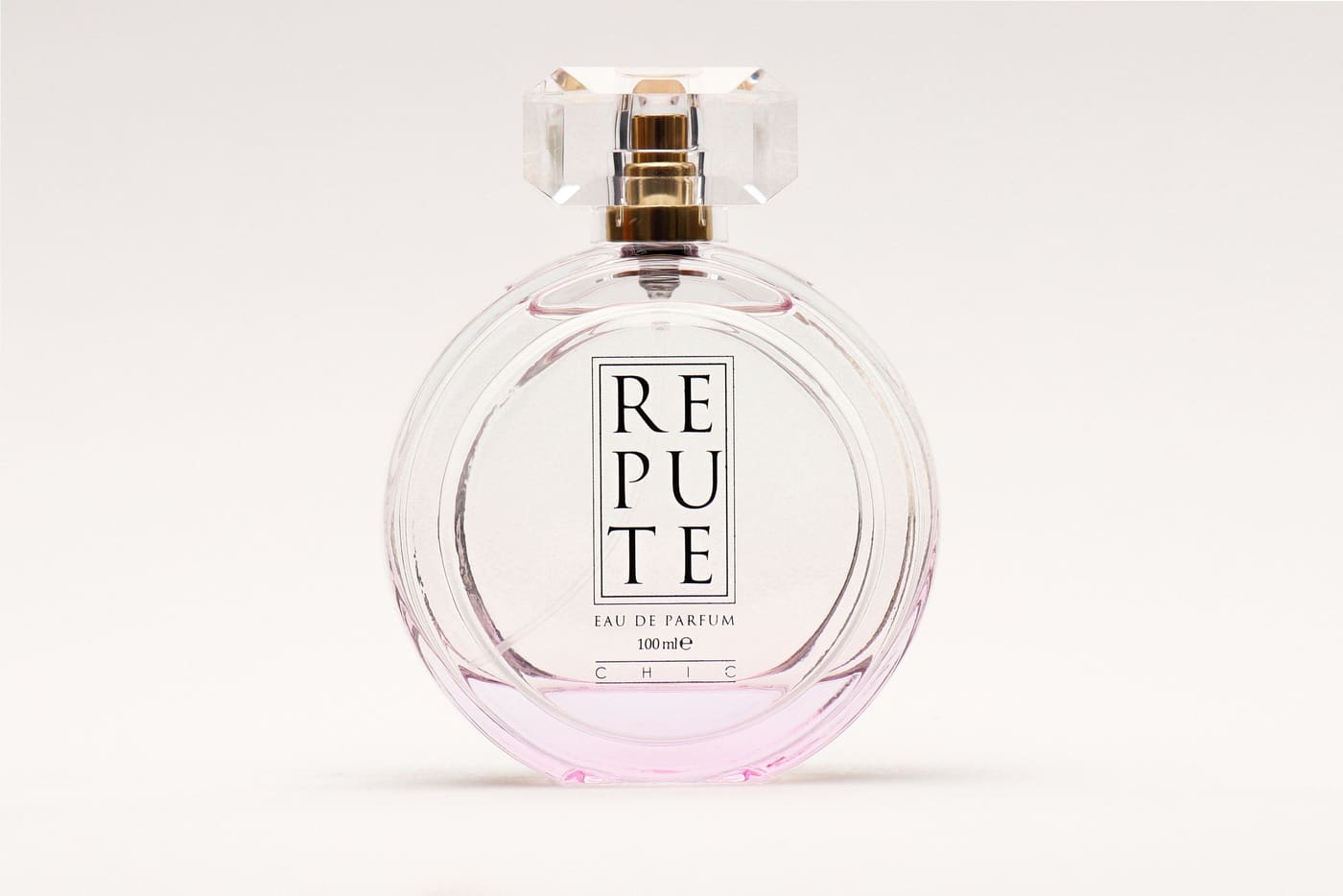
The workflow that scales
The transparent PNG is the master. Everything you publish is a print from it. Discarding it after the first upload is the most common and most expensive mistake in this whole process.
Produce a transparent PNG at full resolution and file it somewhere permanent, alongside the untouched original. Never overwrite either.
JPEG out, product filling at least 85% of the frame. This is the marketplace main image and it is the only place the strict rules apply.
Brand colour for the ad, a surface for the lifestyle shot, a scene for the secondary listing images. All from the same master, none of them re-cut.
And it will. Because you kept the originals and the masters, changing the house style across two hundred products is a batch job rather than a re-shoot.
The reliable failures
Everything else batches safely. These four are worth pulling out of the run and checking individually, because they fail quietly rather than obviously.
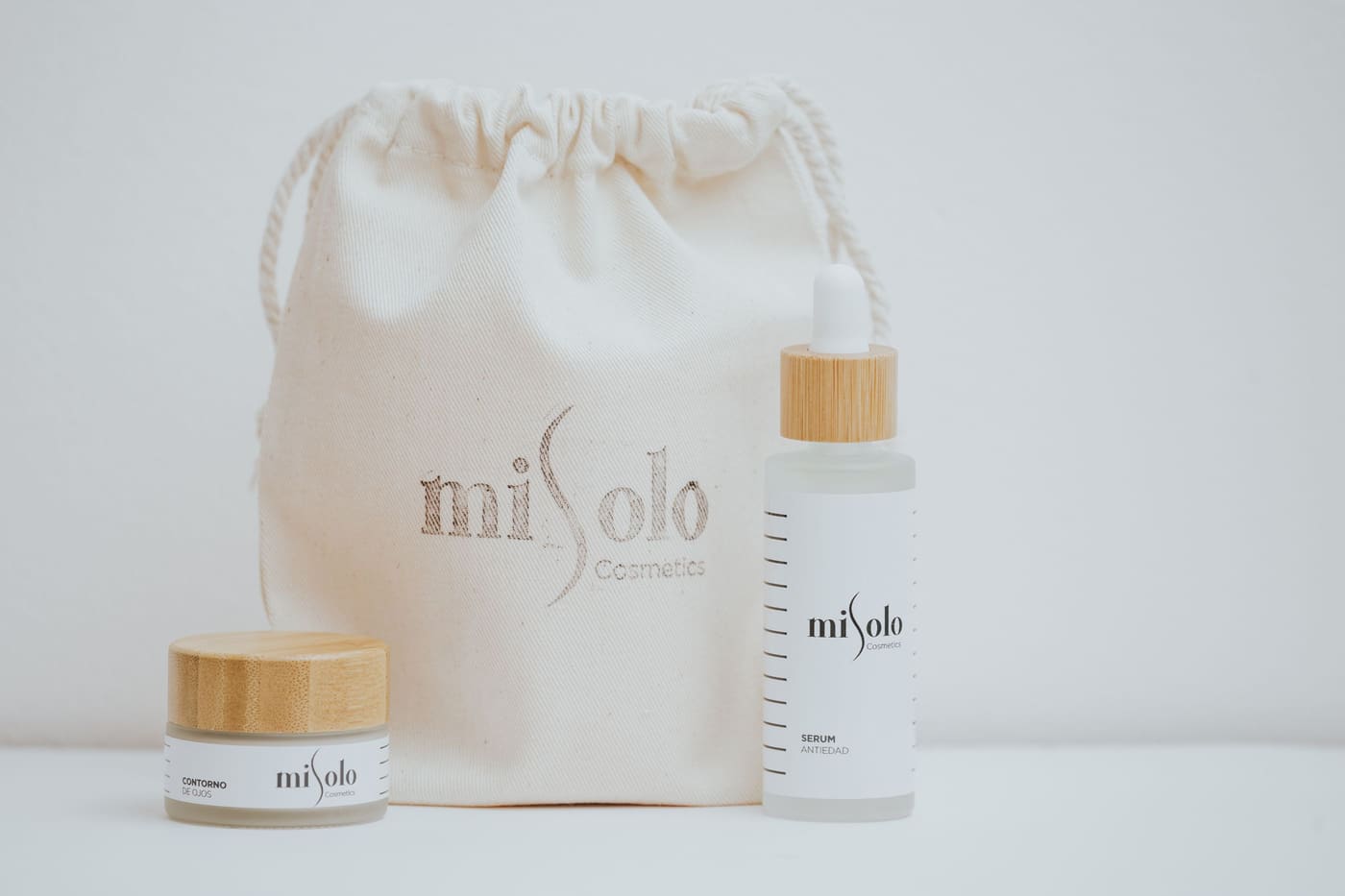
It helps with the lighting, not with the background. A lightbox gives you even illumination and a near-white field; compositing gives you an exactly-white field. The two solve different halves of the problem, and only one of them can be fixed after the shoot.
Write the standard down before you start: one output size, one background value, one margin, one file naming convention. Then apply it mechanically. Automating an inconsistent standard just produces inconsistency faster.
A white product on a white background is the hardest ordinary case in this entire field, because the edge information the matting step needs is not in the file. Shoot it on mid-grey and composite onto white afterwards — you get a clean edge and the required background.
For the main listing image, no — marketplaces want the product on plain white with no props. For the secondary lifestyle images that follow it, yes, and that is where a good cutout earns its keep twice over.
Seconds per image once you are shooting for it. The time cost sits in the photography, not the editing, which is the correct place for it to sit: a well-shot photograph cuts out in one pass, and a badly-shot one takes three attempts no matter which tool you use.