Thousands of partial pixels
A product has a boundary. A head of hair has a fuzzy region several hundred pixels deep in which every pixel is genuinely part subject and part background. Only real opacity values survive that.
For portraits & headshots
A portrait cutout is judged entirely on its edges. Get the hair right and nobody notices the cutout at all — which is the only outcome worth aiming at.
Portraits are personal data. The free preview never leaves your device.
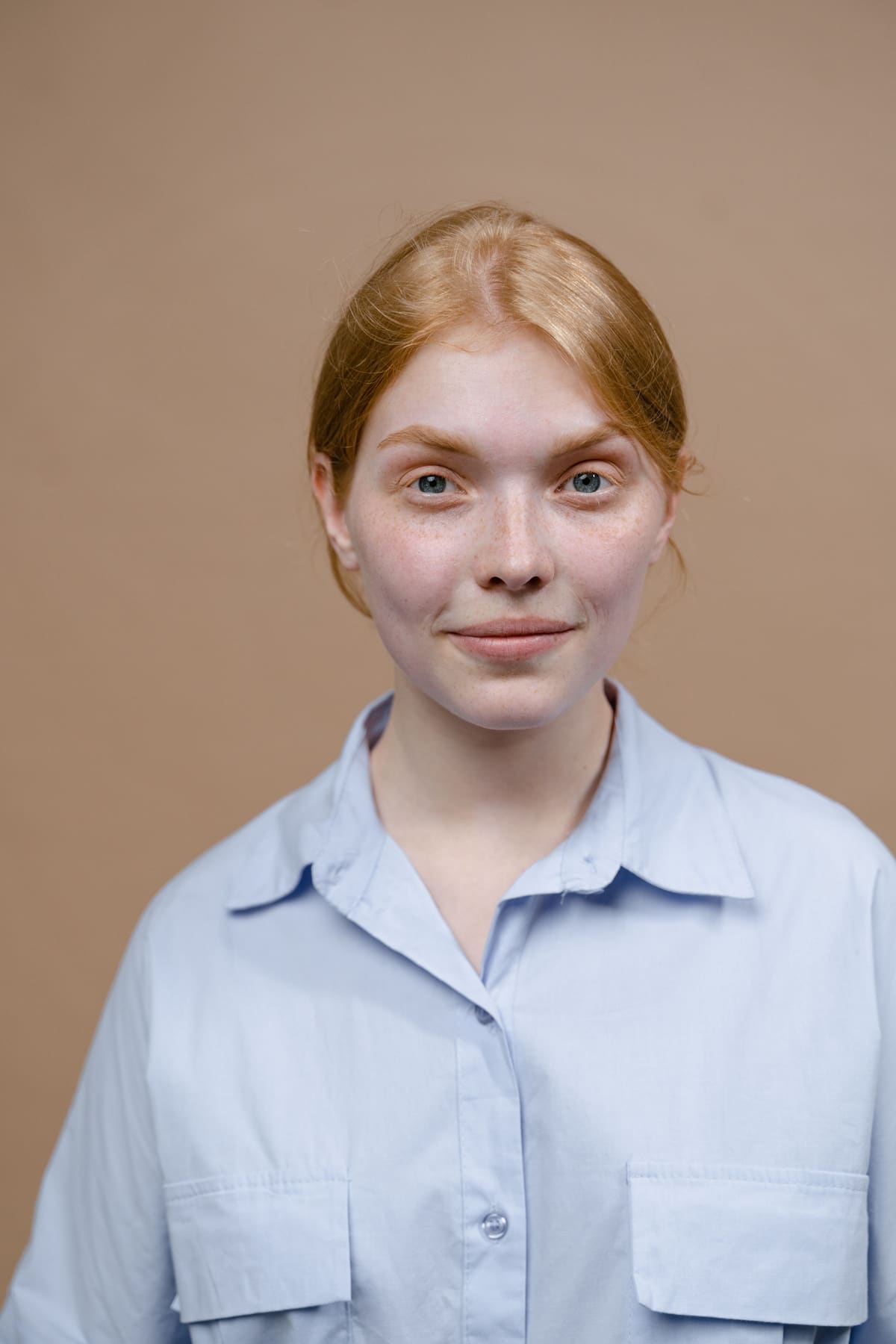
Why portraits are different
A product has a boundary. A head of hair has a fuzzy region several hundred pixels deep in which every pixel is genuinely part subject and part background. Only real opacity values survive that.
Decontamination matters more here than anywhere else. A green cast picked up from a hedge is forgivable on a kettle and immediately wrong on a face.
A photograph of an identifiable person is a different category of file from a photograph of a mug. Processing it on your own machine is not a marketing line here — it is the reason to use this rather than something else.
Shooting for it

Hair is the reason alpha matting exists. A pixel at the edge of a loose strand is genuinely part hair and part background, so it gets an opacity value somewhere between the two rather than being forced to pick a side. That is the whole difference between a portrait cutout and a paper doll.
Not for the free preview — the image is processed entirely on your own device and never sent to us. For portrait work specifically, that matters: a headshot is personal data, and the safest place for it is a machine you already control.
Plain and mid-toned, most of the time. Pure white can look severe and blows out light hair; mid-grey separates almost everyone. If the headshot is going on a website with a known background colour, match that instead and the portrait will sit on the page rather than float in a box.
Removing a background is only part of what those specifications require — they also set rules for head size, expression, lighting, shadows and print dimensions, and they differ by country. Read the requirements for the specific document before relying on any tool, this one included.
Lens reflections and thin metal frames are handled as partial opacity, which is why they survive. Flyaway strands are the visible test of a matting model, and the honest position is that a few of them will need a keep stroke on a busy background — which is free, because credits are spent on the export rather than the attempts.