One backdrop, whole stock list
A car shot in March drizzle and a car shot in July sun end up on the same background. The grid stops looking like a scrapbook.
For car dealerships
Forecourt photography is honest and inconsistent: puddles, skips, the unit next door, a different sky every morning. Cutting the car out and dropping it on one backdrop is what makes a stock list look like a showroom.
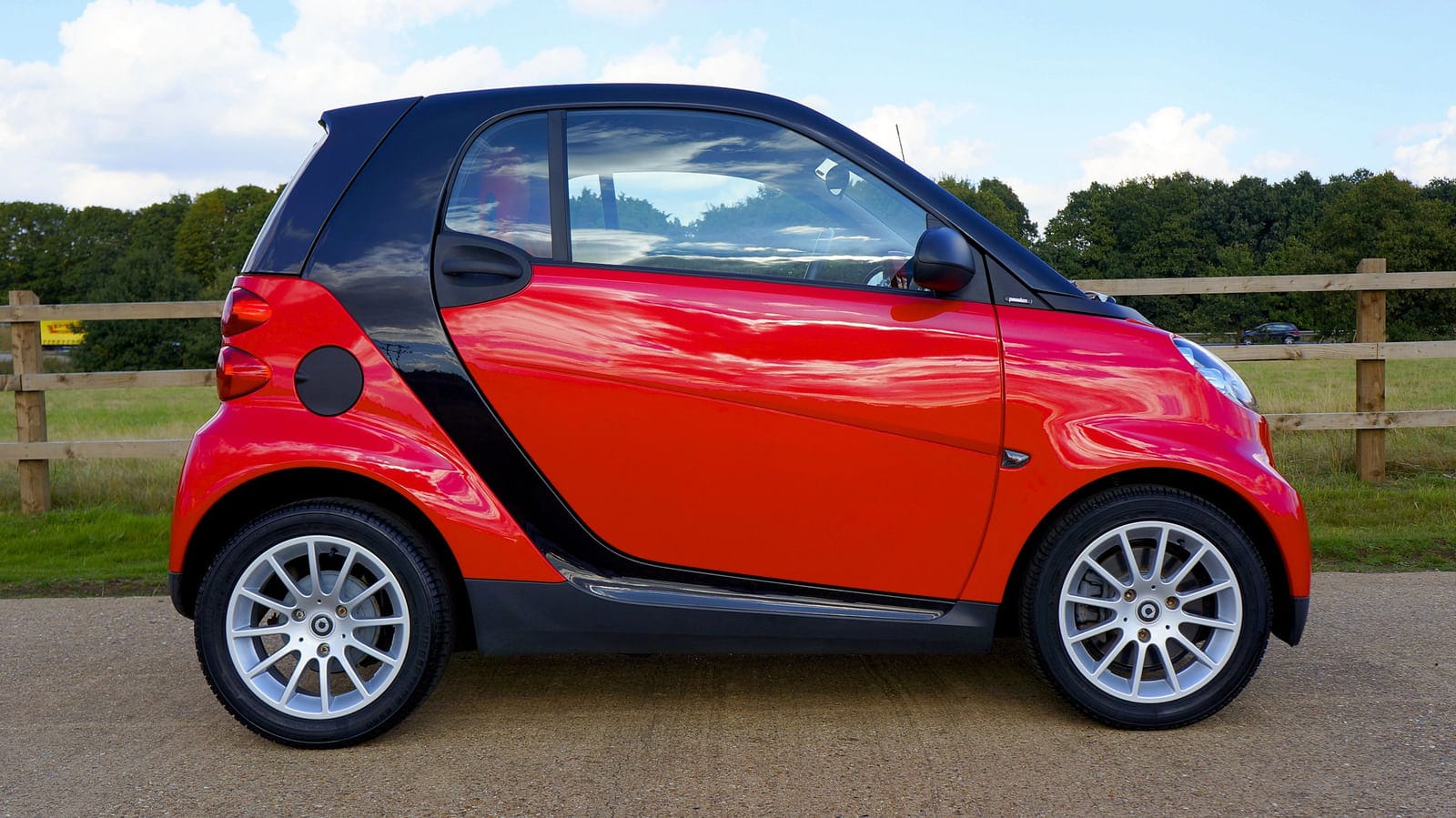

Photograph by Mike Bird onPexels. Cutout produced by this tool.
Why it matters commercially
Nobody sees your listing on its own. They see it in a results grid alongside eleven others, and the eye reads inconsistency as carelessness before it reads any of the copy.
A car shot in March drizzle and a car shot in July sun end up on the same background. The grid stops looking like a scrapbook.
Along with the skip, the wheelie bins, the competitor’s signage and the part-exchange that has not been valeted yet.
A photographic booth is a five-figure capital item and a space you do not have. This is a browser tab and a phone.
Doing the whole stock list
Yes — one photograph at a time. There is no bulk uploader here and we are not going to imply one. You drop a photograph in, check the cutout, export it, and drop in the next.
That sounds slower than it is, because the slow parts of this job happen once per session rather than once per car. Three things carry over from one photograph to the next, and together they are what makes a stock list realistic rather than a stunt:
The AI model is downloaded into your browser on the first image and cached there. The first car of the session waits for it. The other 199 do not.
Upload your showroom plate on the first car and it stays selected as you feed the next photograph in. The tool remembers it for as long as the tab is open, so you are not re-picking a background a thousand times.
Previews are unmetered. Re-brush a grille, change your mind about the shadow, try it again — a credit is spent only when you export the full-resolution file.
The other thing worth knowing is where the work happens. Cutouts are computed by your own machine, not by our servers, so there is no queue to sit in and nothing gets slower because somebody else is busy. Throughput is a question about your laptops and your staff, not about our capacity. The practical shape of it: one person, one tab, one sitting per batch — and if the back catalogue is big, split it by make or by row on the forecourt and have two people work through it in parallel.
Keep the transparent PNG of each car as your master. Re-cutting a photograph you already cut properly is the one genuinely wasted hour in this workflow.
The sum, done for you
One credit is one full-resolution export, so the number of credits you need is simply the number of photographs you intend to publish. Here is 200 cars at four common shot counts, against the published tiers.
| Photos per car | Exports for 200 cars | Smallest tier that covers it | Per month | Per car |
|---|---|---|---|---|
| 6 | 1,200 | Volume — 3,000 credits | £299.95 | 60p |
| 8 | 1,600 | Volume — 3,000 credits | £299.95 | 80p |
| 10 | 2,000 | Volume — 3,000 credits | £299.95 | £1.00 |
| 12 | 2,400 | Volume — 3,000 credits | £299.95 | £1.20 |
Every row lands on the same tier. A 200-car stock list at any normal shot count is between 1,200 and 2,400 exports, which is more than the 1,000-credit Studio tier holds and comfortably inside the 3,000-credit Volume tier at £299.95 a month. That is about 10p a credit, which is where the per-car figure in the last column comes from.
You do not have to finish inside the month. Credits expire 90 days after they are granted, not at the end of the billing month, so one month on Volume gives you a full quarter to work the back catalogue through.
Then the number drops. Clearing the existing stock list is a one-off. After that you are only shooting what arrives, so put your own monthly intake in place of 200: 40 cars a month at 8 photographs is 320 exports, which the 1,000-credit Studio tier at £110.99 covers with room to re-shoot.
Prices in pounds sterling, no VAT added at checkout. Shot counts are examples to work from, not a recommendation — see the full pricing page for every tier.
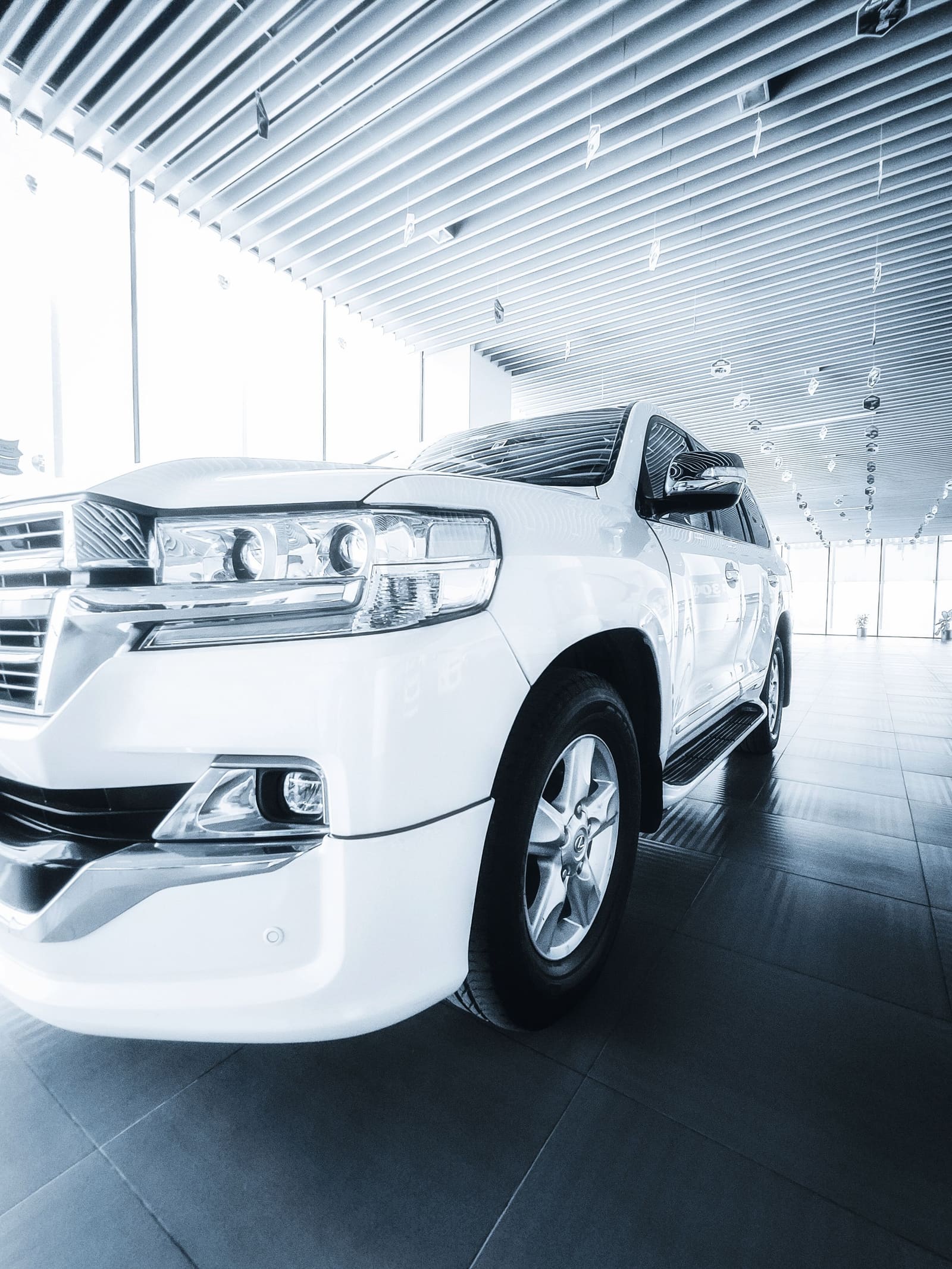
Shooting for the cutout
No, and we would rather say so plainly than let the words "whole stock list" imply a bulk uploader we do not have. The tool takes one photograph at a time: drop it in, check the cutout, export, drop the next one in. What makes that workable at 200 cars is that the slow parts happen once per session rather than once per car — the model downloads on the first image and is then cached by your browser, and the showroom backdrop you upload stays selected as you feed the next photograph in.
A forecourt of 60 cars at 8 to 12 images each is roughly 600 exports a month once you account for part-exchanges moving through. That sits between our 200 and 1,000 credit tiers — 1,000 credits a month is £110.99.
Shoot consistently and the cutouts become consistent. Same height, same three-quarter angle, same distance, car pulled away from walls and other stock. That discipline is worth more to the finished listing than any setting in any tool.
Plate handling is a separate decision from background removal and you should make it deliberately. Many dealer groups mask plates on public listings; the cutout step neither adds nor removes that obligation, so build it into the same pass rather than treating it as an afterthought.
Those are the cases we test against. The car on this page kept its radio aerial, its grille slats and the gaps between its wheel spokes — the last of which is where the cheap tools tend to fill in a solid wedge of body colour.
Yes, and that is the main reason dealerships use this. Upload your own showroom backdrop once and apply it to every vehicle, so a forecourt shot in drizzle and a forecourt shot in sun end up looking like the same indoor set.